Every field sales operation hits the same wall at roughly the same size. With five reps, territory planning is a conversation in the parking lot and a shared map everyone remembers.
With twenty, that same informal system quietly turns into overlap, arguments over leads, and whole neighborhoods nobody has touched in a month.
Growth is supposed to feel like momentum. Instead it starts to feel like friction, and the friction almost always traces back to how the map is drawn. The teams that scale cleanly are not working harder. They simply stopped running a growing operation on tools built for a small one.
Key Takeaways
- Territory planning stops being optional the moment a team outgrows what everyone can hold in their head.
- Modern territory tools combine mapping, assignment, tracking, and analytics in one connected view.
- Spreadsheets fail because they cannot update, visualize, or scale, not because they are wrong.
- Balanced territories protect morale and make performance comparable across reps.
- The payoff is measurable and strategic: fewer conflicts, cleaner coverage, and growth you can actually capture.
Why Territory Planning Decides Whether a Growing Team Scales or Stalls
As a team grows, territory management shifts from a minor administrative task into the single biggest lever on efficiency and morale. Poorly drawn areas waste drive time, create overlap, and make performance comparisons impossible. Well-drawn ones balance workload, protect lead ownership, and give managers real visibility.
This guide is written for field sales teams past the spreadsheet stage. It covers where manual planning breaks down, what good design looks like, the categories of tools professionals actually use, and how to choose software that scales with revenue growth rather than buckling under it.
Where Growth Quietly Turns Your Map Into a Mess
Territory problems rarely announce themselves. They accumulate as the team grows, until one day the numbers stop making sense. Here is where it starts.
- Two reps, one street: Without shared boundaries, coverage runs on memory. Two people knock the same block while a promising one sits ignored, so prospects get contacted twice and leads get muddled. That is territory overlap, and it burns paid hours and goodwill at the same time.
- Lopsided workloads: One rep inherits 500 doors, another 150. Comparing their numbers becomes meaningless, and the rep with the thin patch feels cheated. Uneven areas quietly wreck morale and make coaching unfair.
- Managers in the dark: When no one can see who is where or which streets are already canvassed, sales managers spend the day answering "where should I go" instead of coaching. Every visibility gap costs you both speed and standards.
- Missed ground: New developments, builder communities, and storm-hit neighborhoods get skipped because no one updates the map fast enough. Each unassigned high-potential pocket is revenue walking straight to a competitor.
- The spreadsheet ceiling: Excel, printed maps, and whiteboards all work at five reps. At twenty, they collapse under their own manual upkeep, and the hidden cost is the growth you cannot capture because the system cannot keep pace.
Left unaddressed, these are not annoyances. They set a hard limit on how large the operation can get. The fix is not more discipline from the field. It is a better way to see and structure the map, which is exactly what professional territory planning provides.
What Does Good Territory Design Actually Look Like?
Before comparing tools, it helps to define the target. Strong sales territory design shares a handful of traits regardless of industry, and they are worth naming before any software enters the picture.
- Balance by reality, not headcount. Areas are weighted by workload factors like population density and true market potential, not by an even split of the map.
- Clear ownership. Defined territory boundaries mean every prospect belongs to exactly one rep, with no gray zones to fight over.
- Live updates. A new subdivision can be added and assigned the same day, not the next quarter.
- Easy reassignment. When a rep leaves or demand shifts, you adjust without redrawing everything by hand.
- Built-in measurement. Each area's results are visible and comparable, so coaching is evidence-based.
Good design also keeps territory structures stable enough to measure yet flexible enough to adjust, and it maintains territory alignment between where demand actually sits and where reps actually spend their hours.
Underneath it all is clean territory data: customer locations, past results, and coverage history in one place instead of scattered across five. Areas defined by real demand and clear geographic boundaries beat areas defined by gut feel every time.
Why Do Spreadsheets Stop Working as You Grow?
Spreadsheets are the default first tool for a reason. They are free, familiar, and perfectly fine for a handful of reps. The problem is that they are static. A spreadsheet cannot render a visual map of coverage, flag when two reps overlap, or update itself when the field changes.
Every edit is manual, every version drifts out of sync, and the moment you need to export or reconcile data with your CRM, someone loses an afternoon.
The deeper issue is structural. Spreadsheets store rows, not relationships. They hold sales data and customer data as disconnected cells, with no native way to tie a lead to a location, a rep, and an outcome at once.
As the team grows, the gap between raw business data and usable insight widens until planning quietly becomes guesswork. Dedicated tools exist to close that gap, and that is the real reason teams switch. The contrast is stark once you lay it out side by side.
| Capability | Spreadsheets and Printed Maps | Dedicated Territory Software |
|---|---|---|
| Coverage view | Static and manual | Live visual map |
| Overlap prevention | None | Automatic boundaries |
| Workload balancing | Done by hand | Rule-based and repeatable |
| Updates | Manual re-entry | Real-time |
| Reporting | Rebuilt from scratch each time | Continuous dashboards |
| Scaling past 50 reps | Painful | Comfortable |
It is also why so many high-growth teams eventually move away from manual tracking entirely, a shift that canvassing software simplifies through territory management.
Great Territory Plans Don't Live in Spreadsheets.
The best sales teams don't rely on memory, paper maps, or endless spreadsheet updates. They use tools that make territory planning, route optimization, and lead assignments effortless, so every rep starts the day with a clear plan.
See how Knockbase D2D Sales Software helps growing teams build smarter territories with live mapping, optimized routes, and real-time visibility.
What Tools Do Professional Sales Teams Actually Use?
"Territory mapping software" is really a category of capabilities working together. Experienced organizations do not chase a single feature. They assemble a stack that covers mapping, assignment, execution, and analysis, then make the pieces talk to each other. Here is how the layers fit.
1. Mapping and Visualization
At the core is a mapping tool that turns raw addresses into a picture. Good sales mapping software lets managers create maps of the entire market, layer in demographic data, and instantly see where coverage is thin. Heat maps highlight density and demand so you can spot where opportunity actually concentrates rather than guessing.
2. Territory Creation and Assignment
Next comes the ability to create territories and handle territory assignments without redrawing turf by hand. Strong sales territory mapping tools let you balance sales territories by revenue, lead count, or density, then reassign in a few clicks when the roster changes. This is where fairness stops being a debate and becomes a setting.
3. Execution and Activity Tracking
Planning means nothing without execution. Field-focused platforms record who visited what, so managers can track coverage in real time rather than relying on end-of-day recall. This is the layer that connects the map to real activity on the ground.
4. CRM Integration and Ownership
Every lead should route to the correct rep automatically. Integration keeps ownership clean, prevents duplicate contact, and feeds results back onto the map so the picture stays current.
5. Analytics and Reporting
Finally, analytics close the loop. The best of these platforms surface conversion by area, rep productivity, and missed ground, helping leaders identify trends and make data-driven decisions instead of relying on instinct.
Layered together, these capabilities deliver ongoing territory optimization and genuinely complete market coverage. General-purpose options like Badger Maps handle routing well for individual reps, while team-oriented platforms like Knockbase combine all these layers for a growing organization as a whole.
What Features Should You Look for in Territory Planning Software?
Once you have decided to move off spreadsheets, judge platforms against the capabilities that actually matter for a scaling field team:
- An intuitive user interface, because a tool your reps will not open is worthless no matter how powerful it is.
- Interactive maps with drag-to-adjust lines and clear boundaries.
- GPS and real-time rep visibility for managers.
- Lead ownership plus native CRM integration.
- Route and schedule optimization to cut windshield time.
- Reporting with strong data visualization capabilities.
- A mobile app with offline access for dead-zone streets.
- A manager dashboard that rolls everything up in one view.
The key features to prioritize depend on your bottleneck, but data visualization tools and clean reporting tend to matter most as headcount climbs, because that is exactly when gut feel stops scaling and evidence has to take over.
What Mistakes Do Growing Companies Keep Repeating?
Even teams that adopt software fall into the same avoidable traps:
- Drawing territories based on zip codes alone, ignoring drive time and actual demand.
- Never updating the map, so it reflects last year's market instead of this month's.
- Giving senior reps the best areas forever, which starves new hires of winnable ground.
- Ignoring rep capacity, so "balanced" areas are only balanced on paper.
- Having no ownership rules, so leads fall through the cracks between reps.
- Running no revisit strategy for the "not homes" that make up most of any route.
Each of these quietly erodes resource allocation and sales coverage, and each becomes fixable the moment the map is driven by data rather than politics. For a deeper playbook on turning a clean map into results, see how to use territory mapping to maximize D2D sales success.
How Do You Roll Out Territory Software Without Disrupting the Team?
Adopting a platform is where good intentions often stall, so treat the rollout as its own small project rather than a switch you flip.
- Start by cleaning your existing records, because a messy import produces a messy map, and reps lose faith fast if the tool shows them the wrong turf on the first morning.
- Bring in known customer details and recent activity first, so the map reflects reality on day one rather than an idealized version.
- Next, redraw a handful of areas in the new system and run them in parallel with your old method for a week or two. This lets managers compare, catch imbalances, and build confidence before the whole organization leans on it.
- Pull a few respected sales reps into that pilot early, because when peers watch trusted colleagues vouch for a tool, adoption stops feeling like a mandate and starts building its own momentum.
- Finally, set a simple update cadence and give it an owner. Software will not maintain a map on its own.
A named person, a recurring review, and clear reassignment rules are what keep the system accurate long after launch, and they are the difference between a tool that sticks and one that quietly gathers dust.
How Does Knockbase Help Growing Teams Manage Territories?
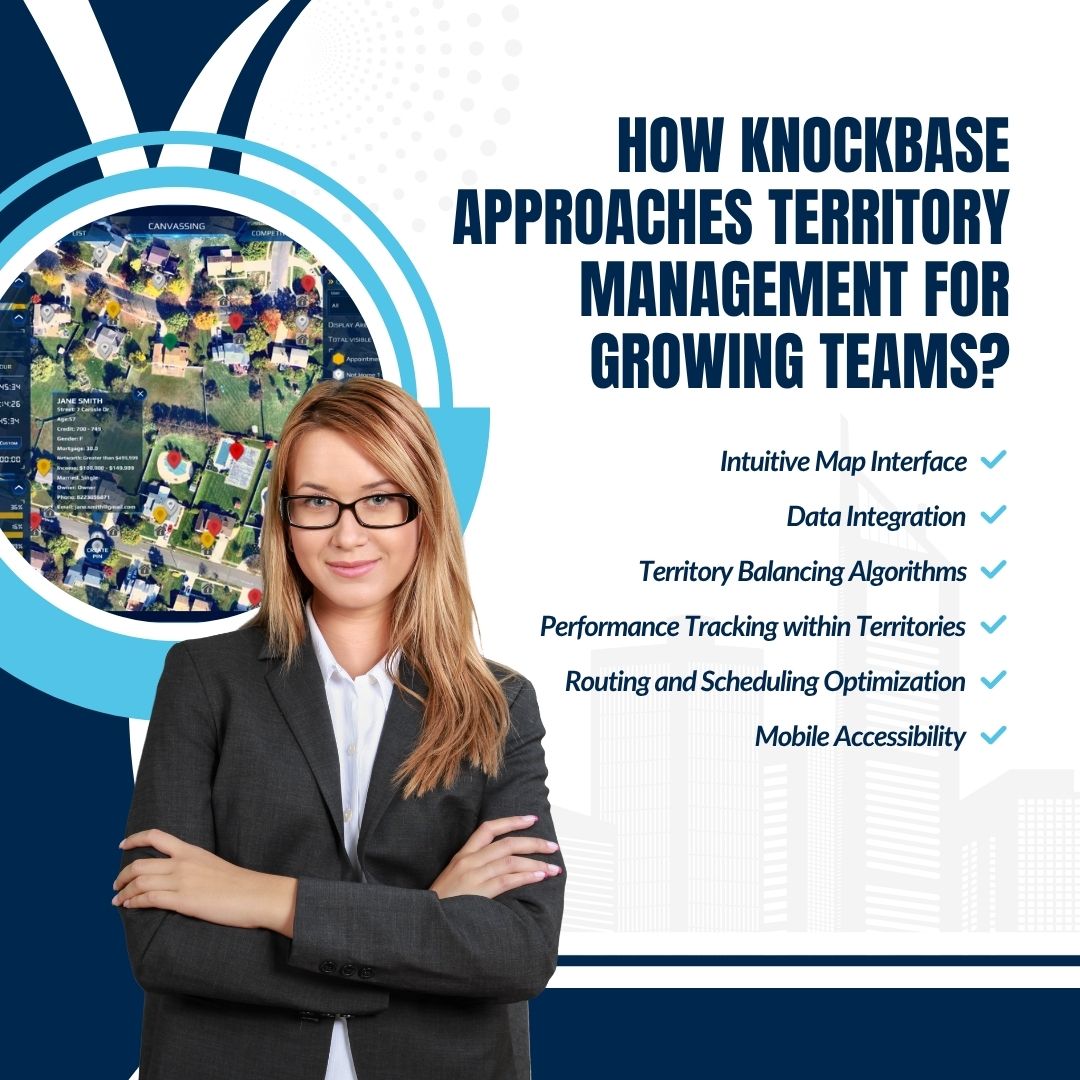
Knockbase was built to give growing teams a single place to manage territories, rather than a patchwork of maps and spreadsheets.
- Managers can visually create and balance areas, assign clear ownership, and adjust boundaries in real time as the roster expands, so the map keeps up with the team rather than lagging behind.
- For sales leaders, the value is turning scattered field activity into improved sales management: live dashboards show coverage and results, so decisions rest on evidence rather than anecdote.
- Reps get their assigned turf, routes, and customer detail on mobile, so field time goes to selling instead of sorting.
- When sales and revops teams (and even marketing teams working from the same map) share one source of truth, coordination tightens around shared revenue goals rather than competing spreadsheets.
Measuring what truly makes an impact is a discipline itself, well addressed in D2D sales analytics: understanding how to track what genuinely matters.
If you want to see how the layers come together, explore the territory mapping software for the map itself, the canvassing software that tracks coverage, the full sales software workflow, the sales rep management software leaders use to coach performance, and the appointment management software that turns coverage into booked visits.
Conclusion
Territory planning is one of those operational disciplines that becomes more valuable as your team grows. The difference between a high-performing field sales organization and one constantly battling overlap, missed opportunities, and uneven workloads often comes down to how well territories are planned and managed.
The best teams don't rely on memory, spreadsheets, or manual updates to keep pace with growth. They use connected tools that ensure fair territory assignments, maintain balanced coverage, and give managers the visibility they need to make better decisions. The result is a sales operation that scales with confidence instead of
complexity.
If your current process is creating more administrative work than it generates in selling time, it may be time to move beyond manual planning. A purpose-built territory planning platform can help you organize your team, improve coverage, and turn every neighborhood into a measurable growth opportunity.
Don't Let Your Next Territory Be a Guess.
The difference between a productive day and a wasted one often comes down to where your reps start. Give them territories designed for success, not spreadsheets designed for frustration.
Explore how Knockbase helps field sales teams plan smarter, sell more, and scale with confidence. See it in action.
Frequently Asked Questions
What is the difference between route planning and territory planning?
Territory planning decides which rep owns which area. Route planning decides the most efficient order of stops within that area on a given day. You need both, but territory planning comes first, because an efficient route through a poorly assigned area still wastes effort.
How often should territories be updated?
At minimum quarterly, and immediately after any major change: new hires, new developments, or a shift in demand. Static maps drift out of alignment fast, and a map that reflects last year's market quietly costs you this year's growth.
Can territory planning software improve sales performance?
Yes, reliably if indirectly. Balanced areas, less overlap, and clear ownership mean reps spend more time selling and less time colliding, which lifts productivity and supports sound sales management across the whole team.
How many reps do you need before territory software is worth it?
Many teams feel the pain around ten to fifteen reps, but the real trigger is complexity, not headcount. Multiple territories, multiple supervisors, or multiple cities are the signals that manual methods are about to break.
Should small businesses use territory mapping tools?
If they are growing, yes. It is far cheaper to build good habits and a clean map early than to untangle a messy, political one after the team has doubled.
What should I look for in the best sales territory mapping software?
The best sales territory mapping software should help you create balanced territories, assign clear ownership, optimize routes, prevent overlap, and provide real-time visibility into field activity. It should also integrate with your CRM and scale easily as your sales team grows.

Canvassing Software ROI: How Sales Managers Should Calculate Cost-Per-Knock vs Cost-Per-Lead in 2026